
Alien: Blackout is a 2019 mobile survival horror game developed by Rival Games and Theory Interactive and published by D3 Go!. Set within the universe of the Alien franchise, the game follows Amanda Ripley as she attempts to survive aboard a damaged Weyland-Yutani space station.
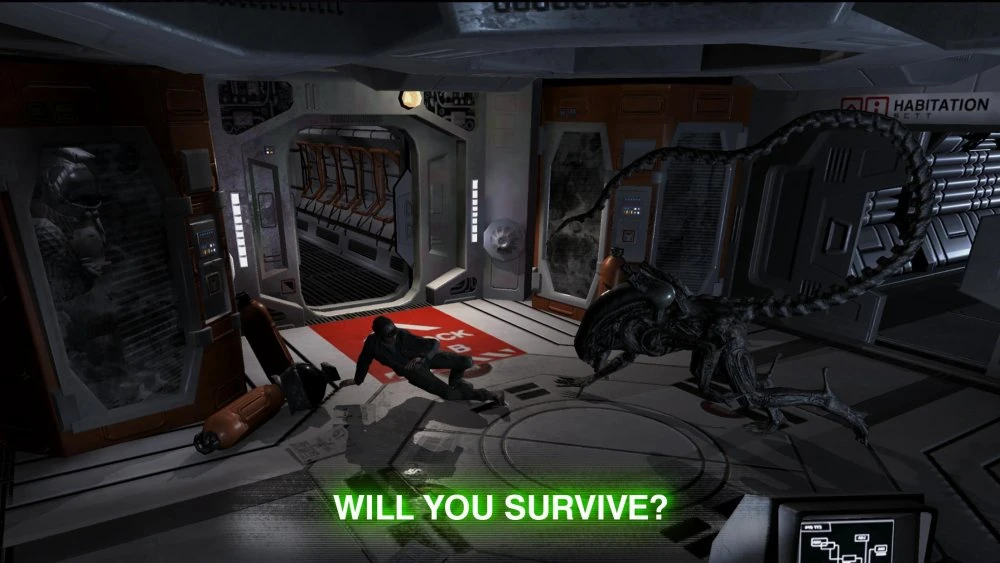
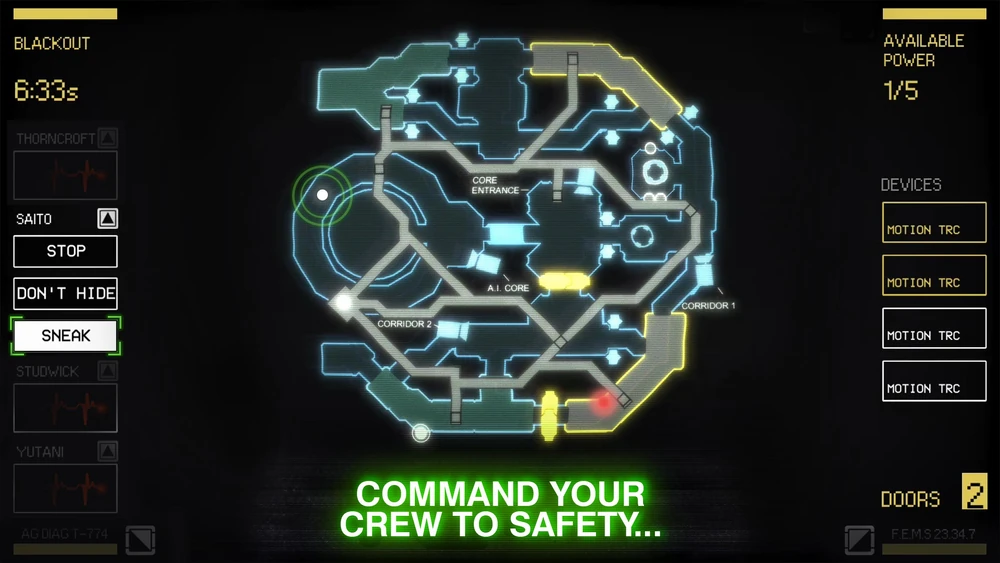
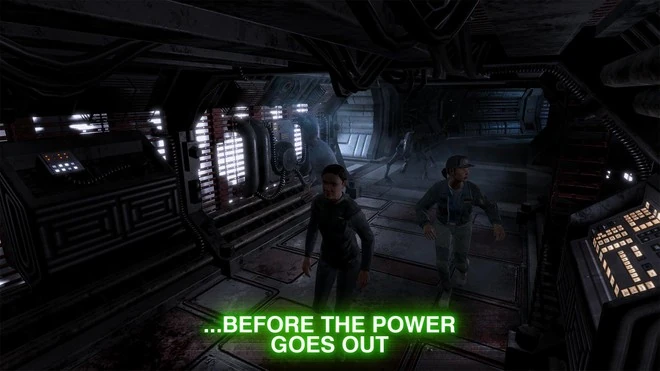
Players must guide a small group of crew members through the station’s corridors while a deadly Xenomorph stalks the facility. Using limited security systems and surveillance cameras, Amanda directs the crew from a control room, helping them avoid detection and reach safety.
The experience focuses on tension and strategic decision-making, capturing the claustrophobic atmosphere that defines the Alien series while adapting it to a mobile format.
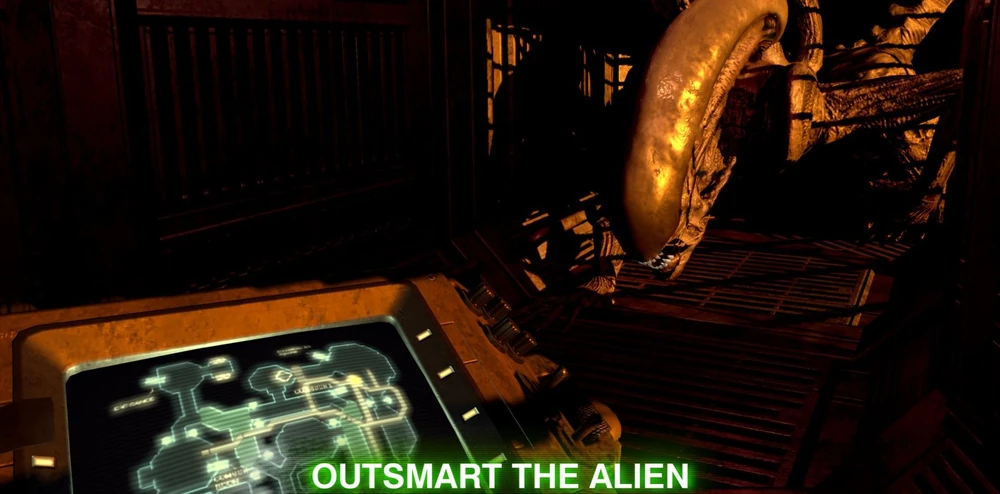
Gameplay revolves around monitoring security cameras and issuing commands to survivors attempting to navigate the station. Each move requires careful timing, as power, camera access, and door controls are limited resources.
The Xenomorph roams the environment unpredictably, reacting to movement and noise. Players must decide when to open doors, when to hide, and when to redirect crew members to alternate routes. Success depends on managing the station’s systems effectively while staying one step ahead of the creature.
As each mission progresses, the tension builds and the margin for error becomes increasingly narrow, reinforcing the constant sense of danger that defines the franchise.


Since the game has been removed from official app stores, locating a working copy has become increasingly difficult. This archive is provided to preserve the title and ensure continued access.
Installation Note: Place the folder com.D3Go.mendel inside your device’s /Android/obb/ directory. The final path should appear as:
/Android/obb/com.D3Go.mendel/